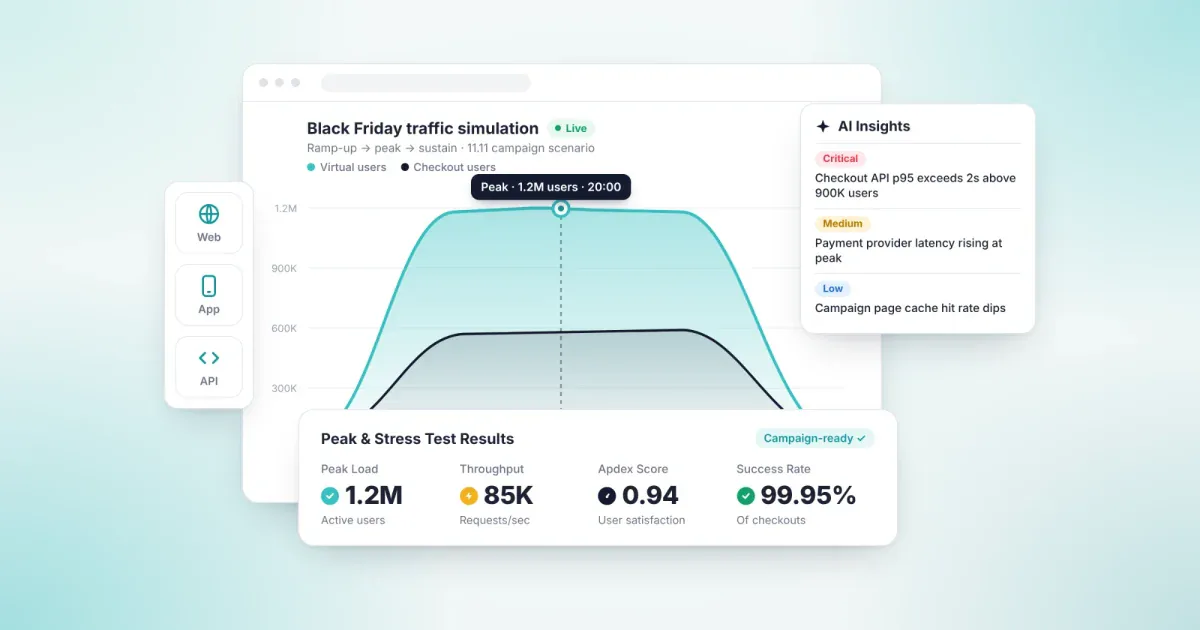
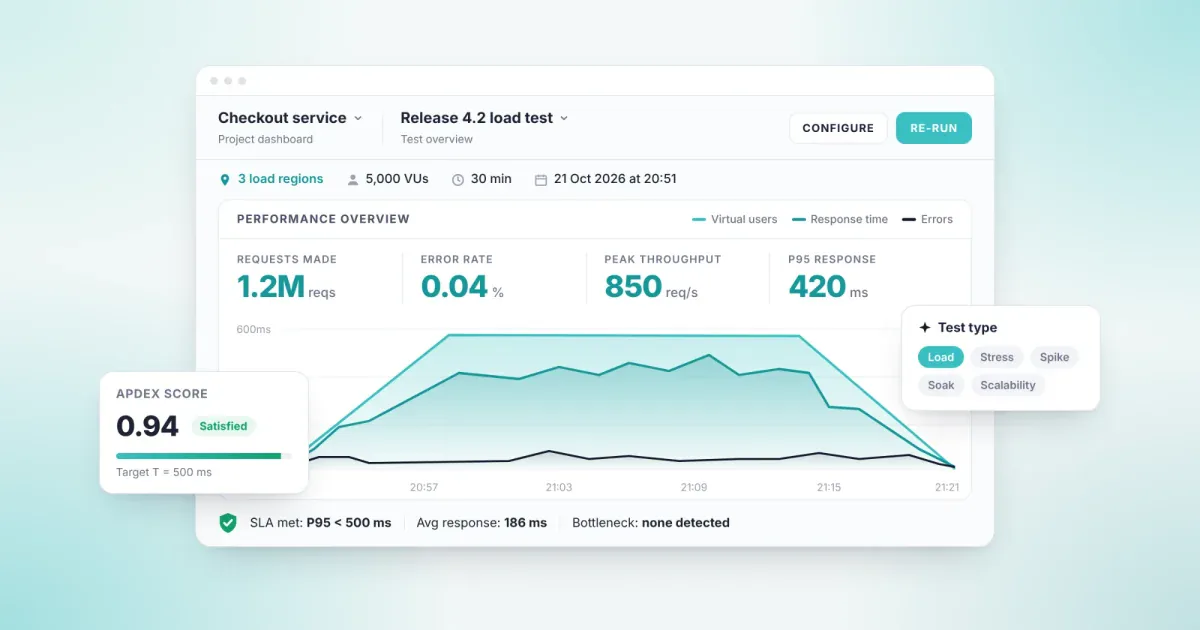
Performance testing measures how fast, stable and scalable software is under a defined user load. Functional testing asks whether a feature works. Performance testing asks whether it still works when thousands of users hit it at the same time. The goal is to find bottlenecks before they reach production.
What is performance testing?
Performance testing measures response time, throughput, error rate and resource usage under a defined workload. The result shows the user count at which the system slows down and the point at which it breaks.
Performance testing is a family of tests, not a single test. Load, stress, spike, endurance and scalability tests all belong to it. Each one looks at the same question from a different angle: how does the system behave under real traffic?
Performance testing is part of performance engineering. Testing finds the problem. Engineering improves the architecture, code and infrastructure so the problem does not come back.
Why performance testing matters
An application that passes functional testing can still slow down or fail under heavy traffic. Campaign days, paydays, ticket sales and product launches are when that risk peaks.
Performance testing answers these questions before production:
- Does the system serve the expected number of users within an acceptable response time?
- At what load does it start to slow down, and where does it break?
- Is the bottleneck in the application, the database or the infrastructure?
- Is the new release slower than the previous one?
- Are SLA targets being met?
In high-transaction industries such as banking, e-commerce, telecom and aviation, the answers translate directly into revenue and reputation risk.
Types of performance testing
Each test type answers a different question. The traffic your system will face decides which ones you need.
| Test type | What it measures | When to run it |
|---|---|---|
| Load testing | Response time and throughput at expected user volume | Before every major release |
| Stress testing | The breaking point beyond capacity, and how the system recovers | During capacity planning and infrastructure changes |
| Spike testing | How the system reacts to a sudden surge in traffic | Before campaigns, ticket sales and paydays |
| Endurance (soak) testing | Memory leaks and degradation under sustained load | At regular intervals for critical systems |
| Scalability testing | How capacity grows as resources are added | During new infrastructure or cloud migration |
| Volume testing | System behavior with large data volumes | During data migration and as databases grow |
Performance testing or load testing? Load testing is one type of performance testing. Performance testing is the umbrella term; load testing measures behavior at expected user volume only.
Performance testing metrics
A performance test is only as useful as the metrics you read from it. Read together, the metrics below show where the bottleneck sits.
| Metric | What it tells you |
|---|---|
| Response time | Time from sending a request to receiving the response |
| Percentiles (p90, p95, p99) | The time within which, for example, 95% of users get a response. Averages hide the slowest users. |
| Throughput | Requests or transactions processed per second (RPS, TPS) |
| Error rate | Failed requests as a share of all requests |
| Concurrent users | Virtual users active in the system at the same time |
| Resource utilization | CPU, memory, disk and network usage; shows which layer is the bottleneck |
| Apdex score | Converts response times into a user satisfaction score between 0 and 1 |
Technical metrics alone are not enough for a leadership decision. Read alongside SLA targets and Apdex, they let leadership make release decisions without going into technical detail.
How to do performance testing in six steps
- Define the goal. Set your concurrent user count, acceptable response time and error-rate threshold together with your SLAs.
- Pick the critical flows. Prioritize the user journeys with the highest revenue impact, such as payment, login and search.
- Prepare the test environment. Keep hardware, data volume and configuration as close to production as possible.
- Model scenarios on real traffic. Base user behavior, think times and the geographic spread of traffic on real data.
- Run the test and monitor it. Increase load step by step and watch application and infrastructure metrics together.
- Analyze, fix, repeat. Find the bottleneck, fix it and run the same test again. Add the test to your CI/CD pipeline to validate every release against the same standard.
Performance testing tools
Performance testing tools fall into two groups. Open source tools offer flexibility, but your team owns the infrastructure and script maintenance. Commercial and cloud-based products include load generation and reporting.
| Tool | Type | Scenario authoring | Key strength |
|---|---|---|---|
| Apache JMeter | Open source | GUI and XML test plans | Broad protocol support, large community |
| Grafana k6 | Open source, cloud edition available | JavaScript, TypeScript | Tests as code, easy CI/CD fit |
| Gatling | Open source, enterprise edition available | Java, Kotlin, Scala, JavaScript, TypeScript | High load from modest hardware |
| Locust | Open source | Python | User behavior written as plain Python |
| OpenText LoadRunner | Commercial | VuGen (C-based) | Wide protocol range, including legacy and packaged apps |
| Tricentis NeoLoad | Commercial | Visual design, YAML as code | SAP and Citrix support |
| BlazeMeter | Commercial cloud | Existing JMeter, Gatling and k6 scripts | Scales open source tests from the cloud |
| Loadmance | Cloud-based, hybrid deployment option | Visual editor, JMeter and Postman import | Reports results in business terms with Apdex and SLAs |
The right tool depends on your team structure, protocol needs, infrastructure ownership and reporting expectations. We cover nine evaluation criteria for enterprise teams in How to Choose a Load Testing Tool.
Common mistakes
- Reading the average. The average response time can look fine while 5% of users wait far longer. Track p95 and p99.
- Testing in an environment unlike production. A small dataset and weaker hardware produce misleading results.
- Unrealistic traffic. Load from one location, with a fixed profile and no think time, does not reflect production.
- Testing once before launch. Every release can change performance; testing has to be regular.
- Watching only the application. The database, network and third-party services can be the bottleneck too.
- Reporting only in milliseconds. Without SLA context, leadership cannot see the risk.
Performance testing with Loadmance
Loadmance · AI-Powered Performance and Load Testing · Load · Stress · Peak · Resilience
Loadmance is a cloud-based performance testing product with AI-assisted modeling that lets you model, run and analyze load and stress tests.
- Design user flows in a visual editor; AI-assisted modeling speeds up scenario preparation.
- Import your JMeter and Postman files; existing scenarios never need to be rewritten.
- Load is generated from distributed cloud infrastructure across multiple geographic regions.
- Results are reported with Apdex scores and SLA targets, with real-time telemetry throughout the test.
- In the hybrid model, orchestration runs in the cloud while load generation and data stay in your own infrastructure.
- It integrates with your CI/CD pipeline, so performance tests run as a pre-release check.
At Corendon Airlines, Loadmance was used for load testing with real airline traffic profiles and a stress test with 375 concurrent users. Loadmance won a 2025 Stevie Technology Excellence Award.
Frequently asked questions
What is performance testing?
Performance testing measures the speed, stability and scalability of software under a defined user load. It tracks response time, throughput, error rate and resource usage. The goal is to find bottlenecks before production.
What is the difference between performance testing and load testing?
Performance testing is the umbrella term covering load, stress, spike, endurance and scalability testing. Load testing is one of them: it measures how the system behaves at expected user volume.
When should you run performance tests?
Before every major release, every infrastructure change and every high-traffic period. Added to a CI/CD pipeline, they validate each release against the same standard.
What metrics does performance testing measure?
The core metrics are response time, p95 and p99 percentiles, throughput, error rate, concurrent users and resource utilization. An Apdex score turns these into a user satisfaction measure.
What are the most widely used performance testing tools?
On the open source side, Apache JMeter, Grafana k6, Gatling and Locust are common. Commercial options include OpenText LoadRunner, Tricentis NeoLoad, BlazeMeter and Loadmance.
Is an open source performance testing tool enough?
For small, technical teams, it often is. At enterprise scale, infrastructure management, geographic distribution and leadership reporting add overhead, and a cloud-based product can lower the total cost.
Set your limits by measurement, not by guesswork.
Try Loadmance with the free Demo plan. Explore Loadmance